Loading ...

ElFalah

Categories
Project Diniyah Project English

StoryTelling about Battle of Badr

StoryTelling Battle of Badr

This is my 2nd Project in English in the 2nd Semester as a 7th Grader in IDN BS. In this project, I am telling a story about The Battle Of Badr, which is the First Battle in Islam. This battle happend on 13 March, 624 CE or in Islamic Calendar is 17th of Ramadhan, 2 AH. The Leader of the Muslim Army is Prophet Muhammad SAW and the Leader of the Quraysh is Abu Jahl

Categories
Project IT

Smart Trash Bin

Smart Trash Bin

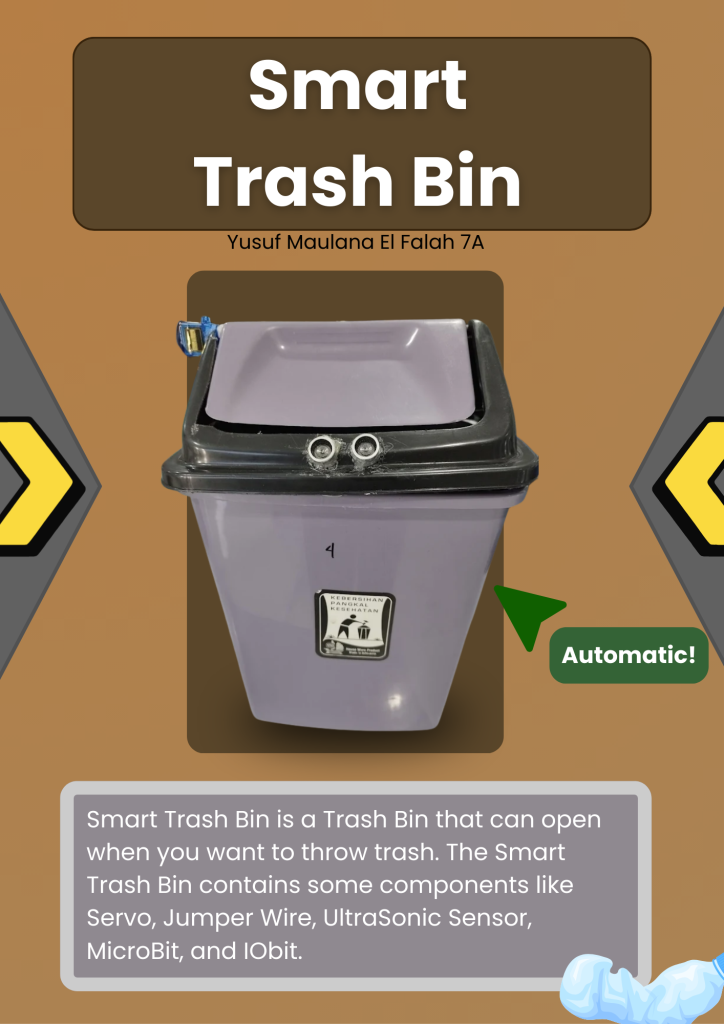
Smart Trash Bin is a Trash Bin that can open if you want to throw your trash. The Smart Trash Bin contains some components like UltraSonic Sensor, Servo, Jumper Wire, Microbit, and IOBit. How it works is, the UltraSonic Sensor of the Smart Trash Bin detects your hands when your hands are near the trash, and when its detected, the Servo of the Smart Trash Bin will move and open the Trash Bin so that you can throw your trash.

Categories
Project Diniyah

Adab Berbakti Kepada Orang Tua

Adab Berbakti Kepada Orang Tua

This is a project where I have to make a Poster about the etiquette of being fillial to parents. In this posters, there is 6 Manners to our parents. That is

1.Talk softly and with attitude to our parents

2.Hearing and doing what our parents told us

3.Show respect to our Parents

4. Help and taking care of our parents

5.Pray for our parents

And then there is dalil for manners to parent. It is in Surah Al Isra: ayah 23-24

Categories
Project IT

TinyBit Hand Gesture

TinyBit Hand Gesture

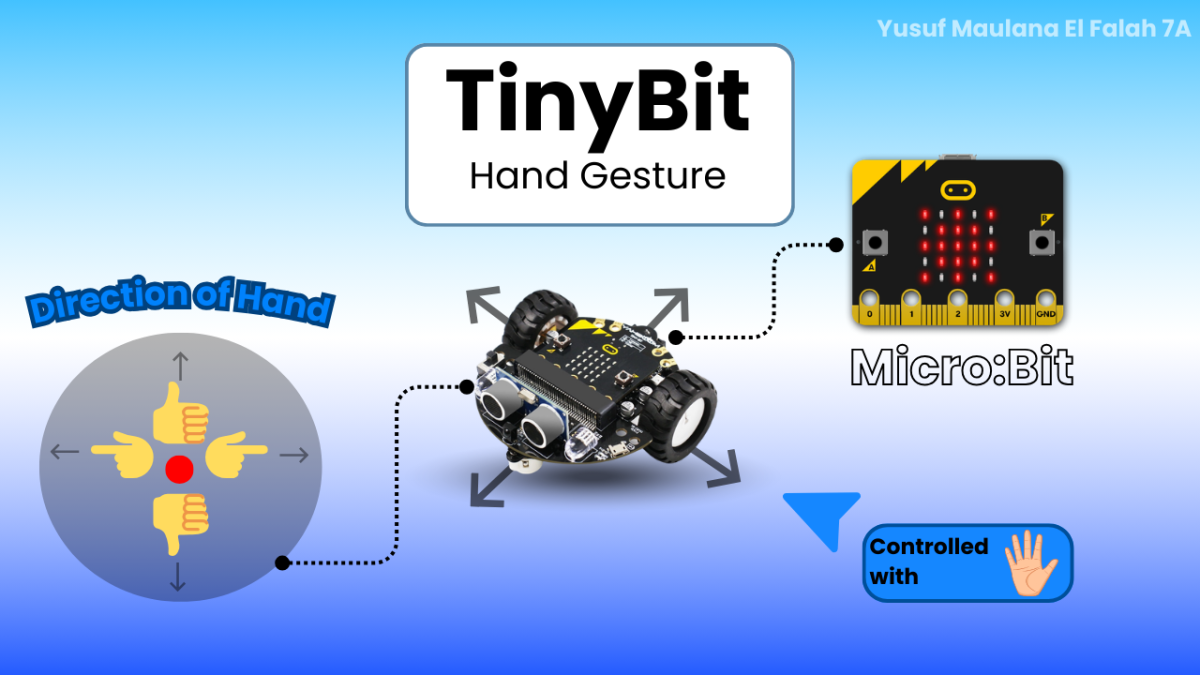
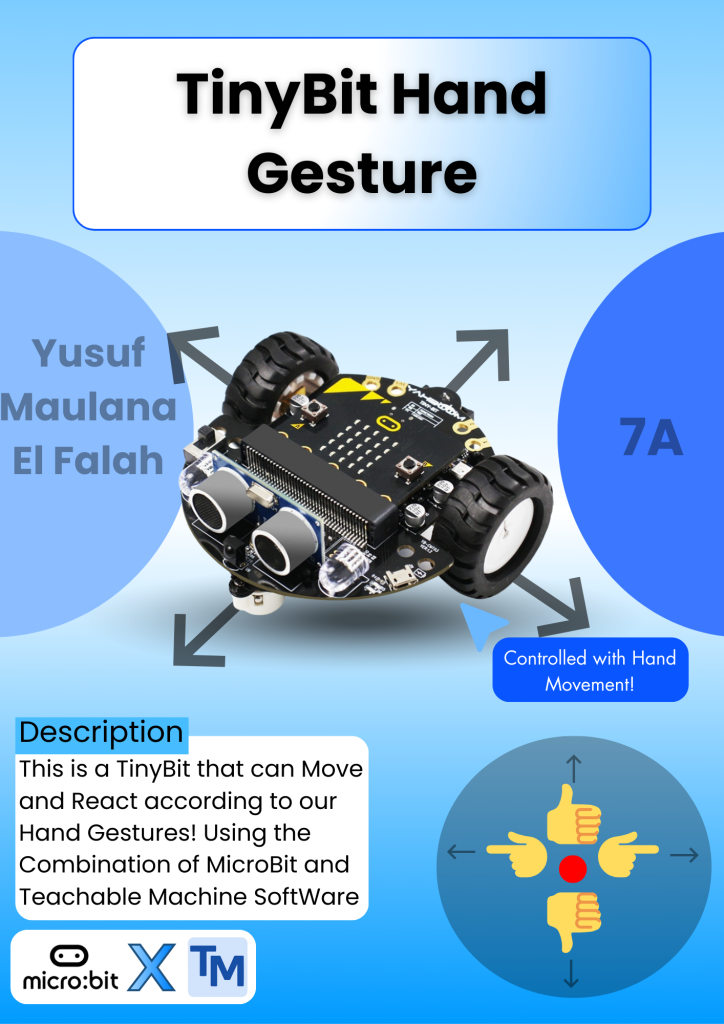
This is a TinyBit that can be controlled with Hand Gesture. For example, if you point to the left, the robot will move to the left. And If you do a Thumbs Up, the robot will move forward. With the help of the combination of Microbit and Teachable Machine. So, to make this, you need to make a code on MicroBit and Create an AI on Teachable Machine that can detect movements. To create an AI on Teachable Machine, you need to make a Class and name it the Directions you want to face. And then give many samples (200 is recommended) of your Image so that the AI can detect the name of the Image, and then click the Train Button to train the AI.