Loading ...

ElFalah

Categories
Project IT

Smart Parking

Smart Parking

Smart Parking is my last robotic project in 7th Grade. Its about the demonstration of a parking lot that uses automatuic gates for cars to enter and go out using a miniature. The components used in this project is MicroBit, HolaBit, IR Sensor, and Servo. We’ve worked on this project for a week, and I can admit that it is one of the hardest project in Robotic, but Alhamdulillah my teman managed to found a solution and complete the project

Categories
Project IT

SMART Watering Plant

SMART Watering Plant

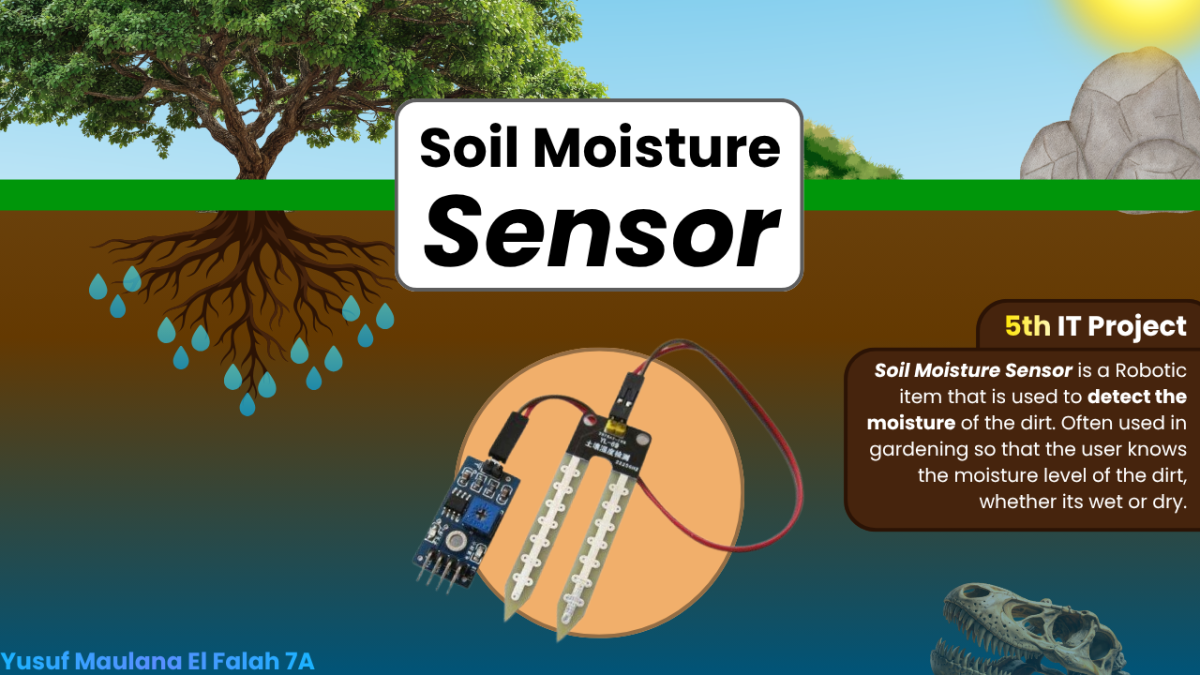
This is my 5th IT Project in the 2nd Semester of 7th Grade, Its SMART Watering plant. So, its basically a robot that can water your plants automatically when the plant is dry. But, when the plant is wet, it will stop water your plants. This idea can be used if you are a gardener, so that you can water your plants automatically! We use makecode to program the microbit.  The components of this project item is MicroBit, IOBit, Soil Moisture Sensor, and more!

Categories
Project IT

TinyBit Line Follower

TinyBit Line Follower

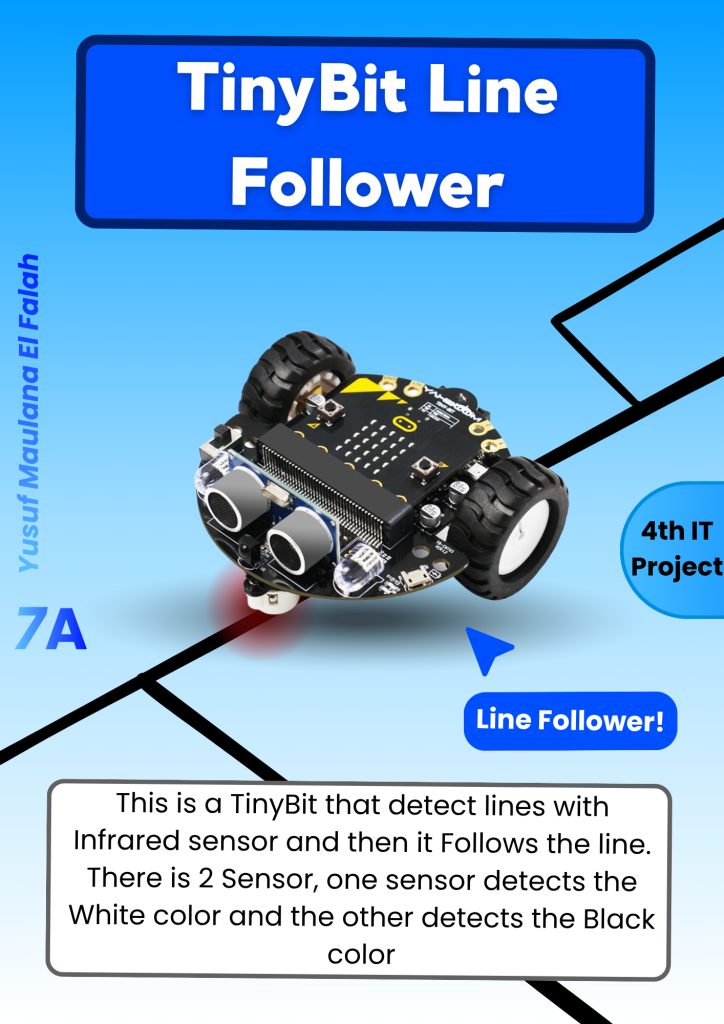
This is a project where we have to program the TinyBit to move according to the line. The sensor that is used in the TinyBit is the Infrared Line Tracking Sensor to detect lines, but, if theres a Turn or a T junction, we have to program it ourselves to decide what direction does the TinyBit wants to turn and thats why This project is a little bit hard because the speed of the TinyBit changes based on the battery, but our team finally manage to pull it off after 2 weeks.

Categories
Project IT

Video Tutorial about MicroBit

Video Tutorial about MicroBit

This is my 1st Video Tutorial in the 2nd Semester and also my 2nd Video Tutorial in the 7th Grade. I am explaining about the basics of MicroBit, like Whats is a MicroBit, What it looks like, What is the Components, and then the Function of the Blocks in makecode like on start and forever, whats a String, and many more. and then I also make something like a Beating Heart, Sliding Name, and Temperature Sensor.

Categories
Project IT

Smart Trash Bin

Smart Trash Bin

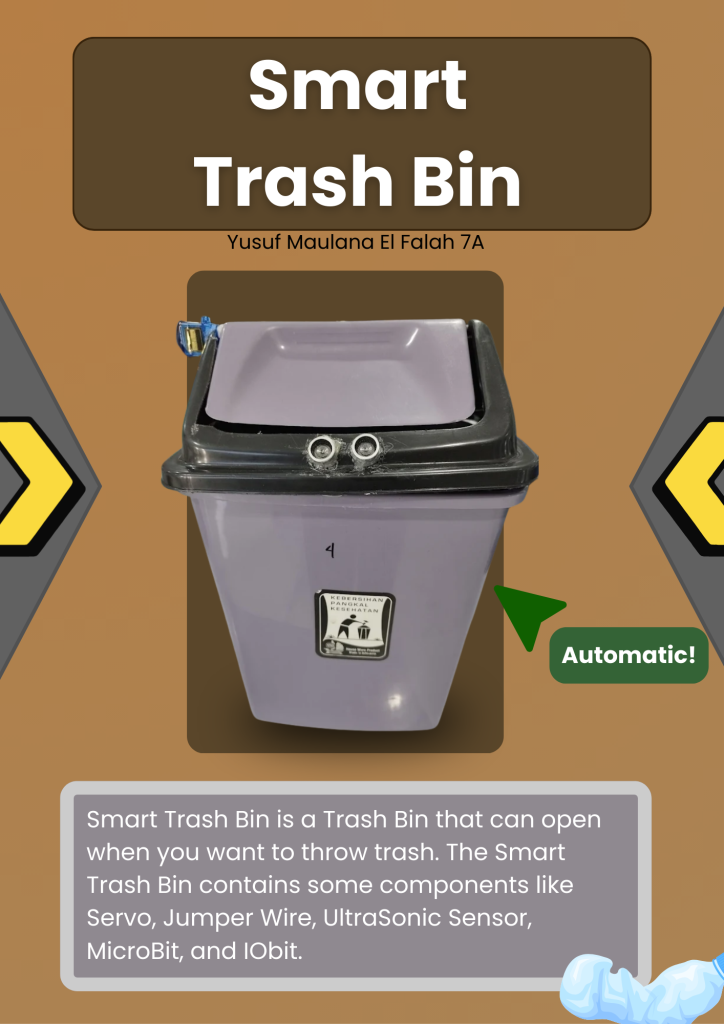
Smart Trash Bin is a Trash Bin that can open if you want to throw your trash. The Smart Trash Bin contains some components like UltraSonic Sensor, Servo, Jumper Wire, Microbit, and IOBit. How it works is, the UltraSonic Sensor of the Smart Trash Bin detects your hands when your hands are near the trash, and when its detected, the Servo of the Smart Trash Bin will move and open the Trash Bin so that you can throw your trash.

Categories
Project IT

TinyBit Hand Gesture

TinyBit Hand Gesture

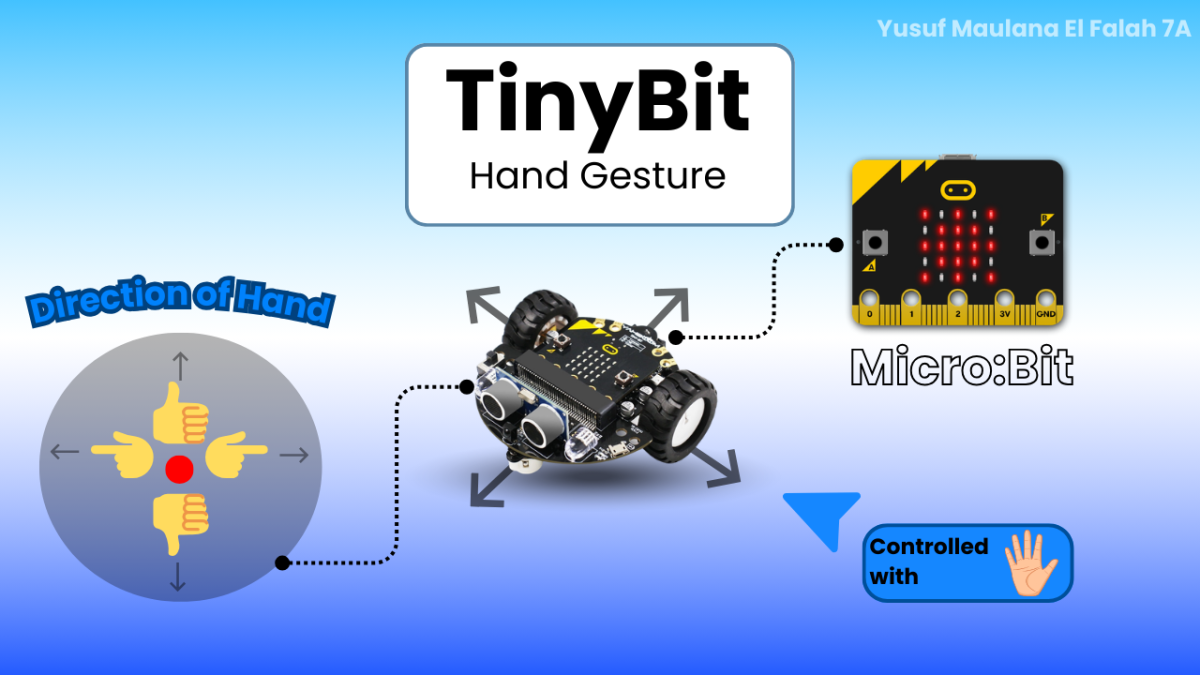
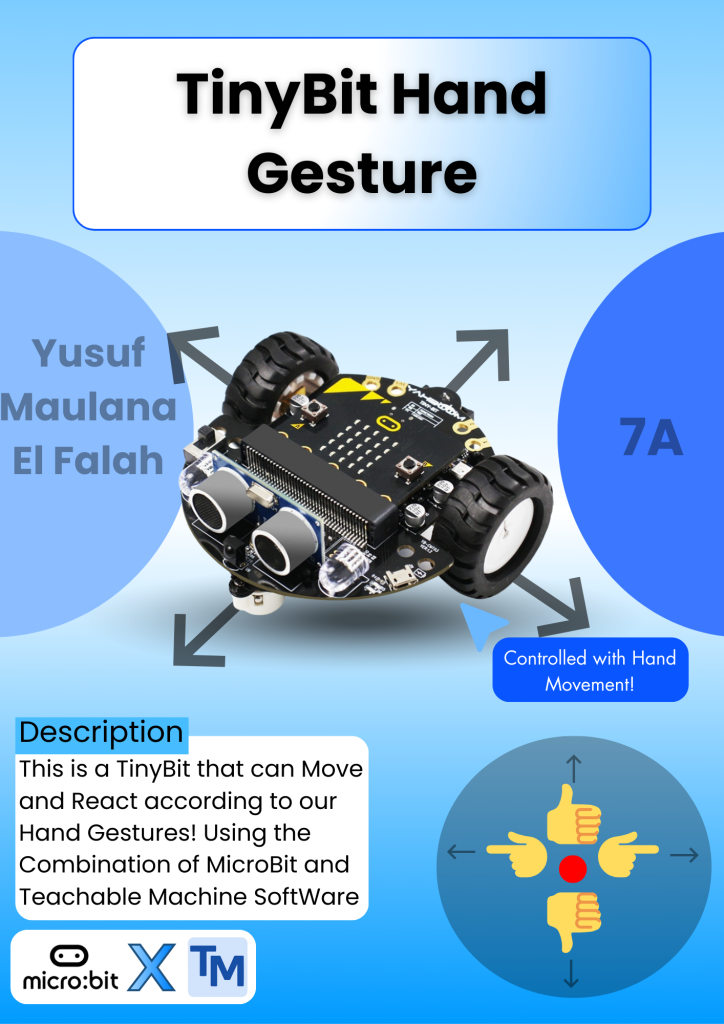
This is a TinyBit that can be controlled with Hand Gesture. For example, if you point to the left, the robot will move to the left. And If you do a Thumbs Up, the robot will move forward. With the help of the combination of Microbit and Teachable Machine. So, to make this, you need to make a code on MicroBit and Create an AI on Teachable Machine that can detect movements. To create an AI on Teachable Machine, you need to make a Class and name it the Directions you want to face. And then give many samples (200 is recommended) of your Image so that the AI can detect the name of the Image, and then click the Train Button to train the AI.

Categories
Project IT

TinyBit BlueTooth Controller

TinyBit BlueTooth Controller

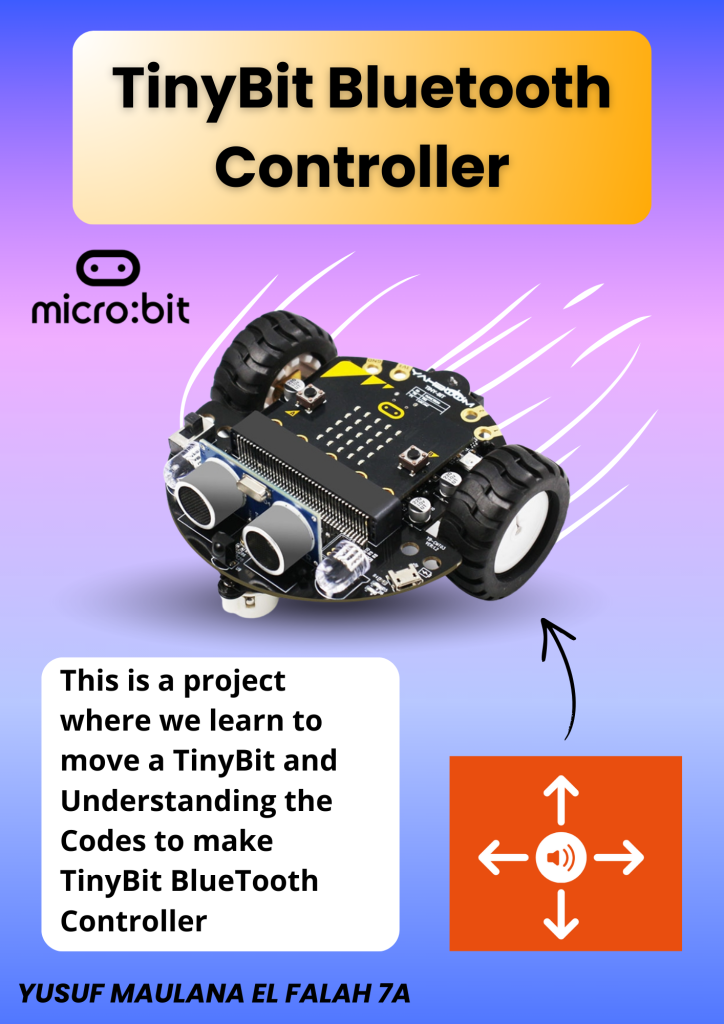
TinyBit BlueTooth Controller is my First Project in the 2nd Semester and also my First Robotic Project. In this project, I need to explain the Components of MicroBit and TinyBit, and then I need to explain the Block Codes to make this TinyBit Moves and can be Controlled, and the last, I need to show the Demonstration Of the TinyBitTinyBit BlueTooth Control is a TinyBit that can be controlled, but you need code the Microbit first and then insert the MicroBit into the TinyBit so that the TinyBit can be Controlled, and also you need to Turn On Bluetooth and then connect the Bluetooth to your TinyBit. TinyBit has sensors like Ultrasonic sensor, Infrared tracking sensor, and many more.

Categories
Project IT

The Defender

The Defender

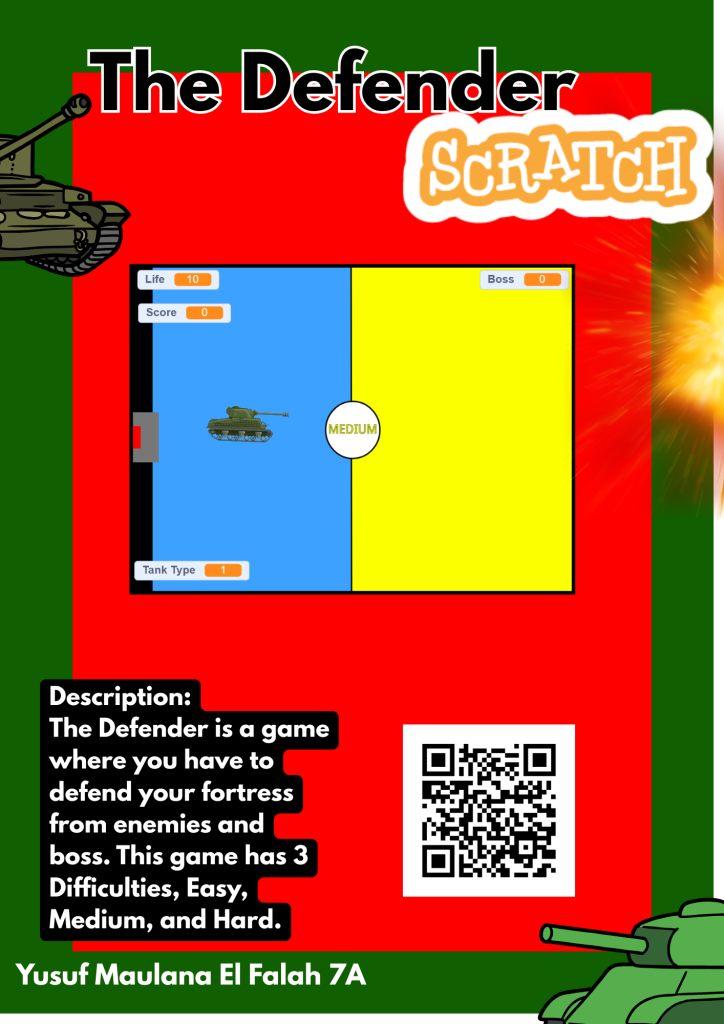
The Defender is a game where you have to defend your fortress from enemies and bosses. To start the game you need to press the Start button and after that there is a difficulty selection. This game has 3 Difficulties, Easy, Medium, and Hard. The harder the difficulty is, the more often the enemy and boss spawn, and your life is more lower. To win the game, you need to have 30 Points and you have to kill the boss.

Categories
Project IT

IT Tutorial

IT Tutorial - Catching Fruit

So, IT Tutorial is a project where you have to make a tutorial about IT. This is actually the first time i make an IT Tutorial. It was pretty hard, I had to repeat several times, but i finally succeed in this video. In here, i make an IT Tutorial about How to Make Catching Fruit game in Scratch. So, you need to make a block code to make the fruit fall, the score adds and reduce when touching fruit or enemy and etc.